Camera-first experience
The planned product starts from a live view instead of asking visitors to build an account on this marketing site.
 Yinote
AI virtual try-on by Yinote
Meet Yinote's camera-first virtual try-on concept. See how the planned AI clothes changer will work, explore preview looks, and follow the product as it approaches launch.
This site is the showroom.The interactive try-on experience is coming soon.
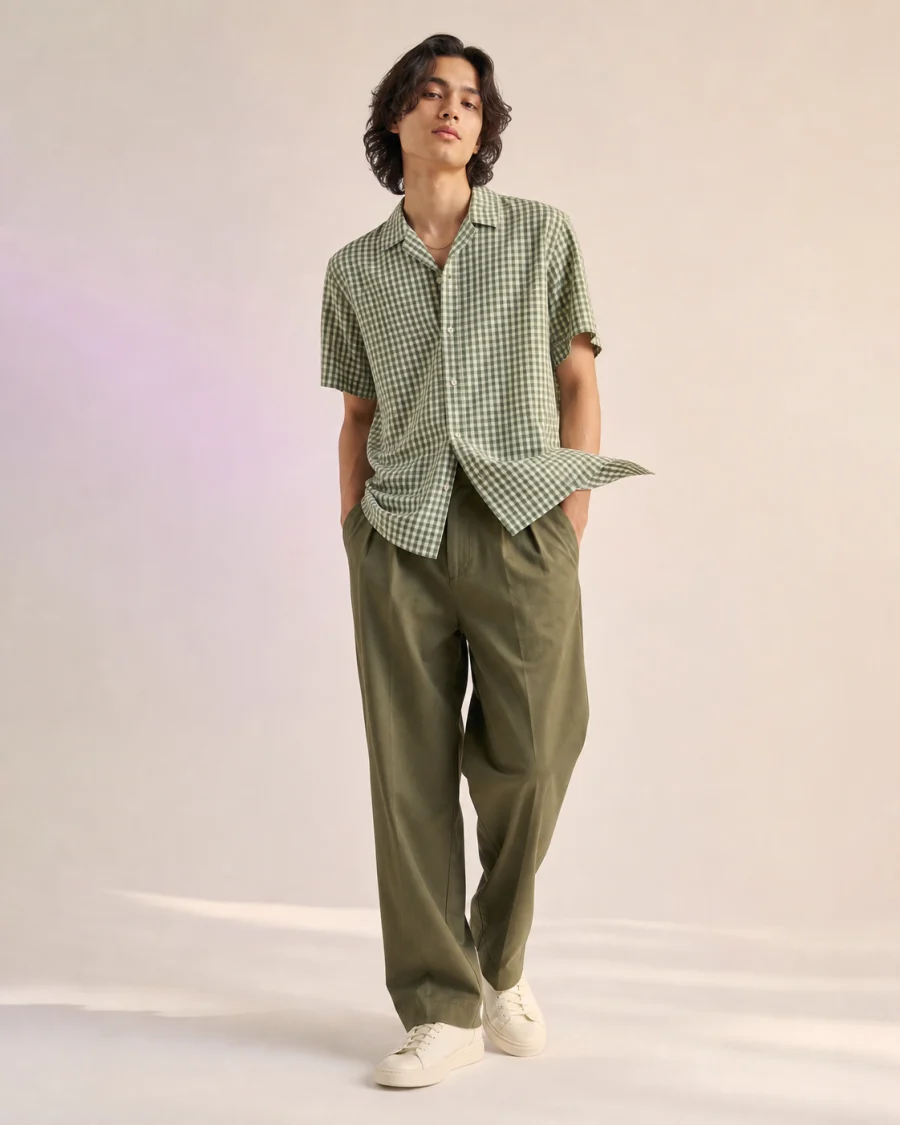
Selected look
Gingham / OliveIllustrative style preview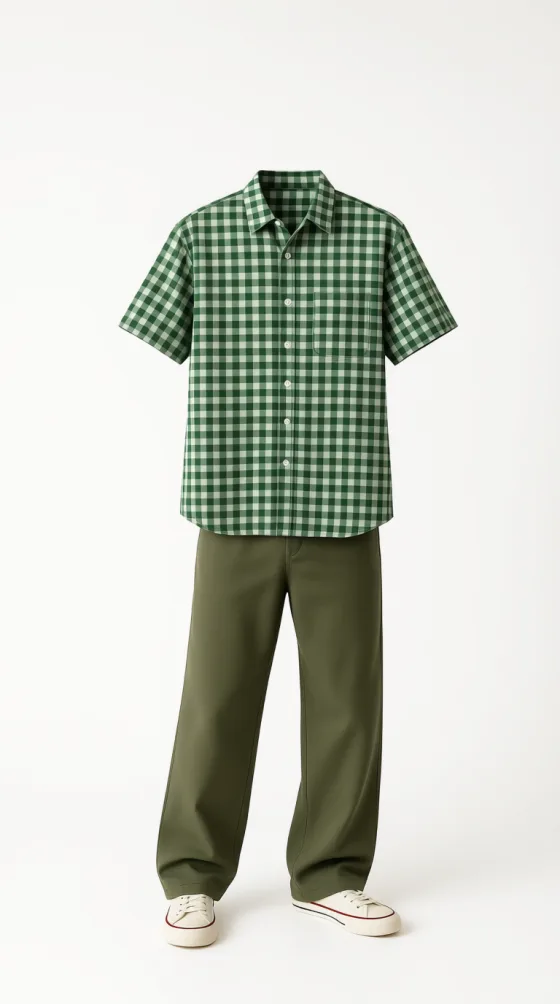
Camera-first concept
Designed for live preview
Preview outfit references
No upload on this page
The planned product flow
Yinote is being designed to keep the path from camera to outfit preview focused. The interactive experience is coming soon.
When the experience launches, begin from a live camera view and allow camera access only when you choose to start.
Browse the planned garment rail and select the style you want to explore in the camera view.
Apply the selected look to the camera view. At launch, timing will vary by device, connection, and processing conditions.
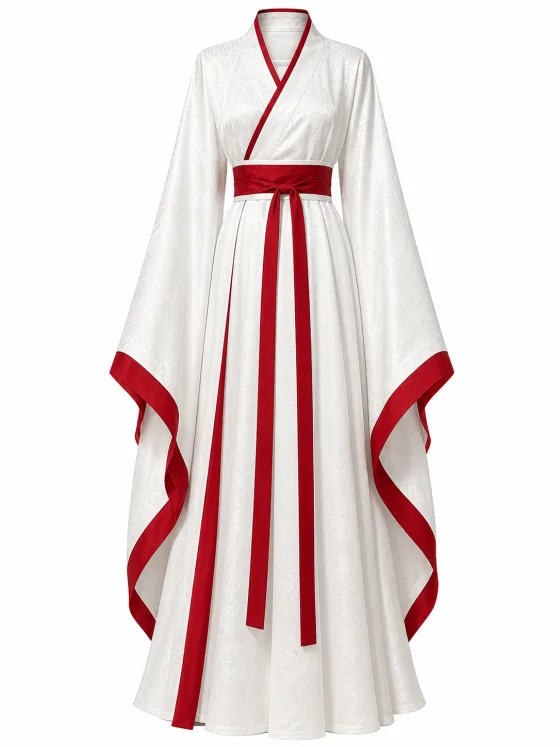
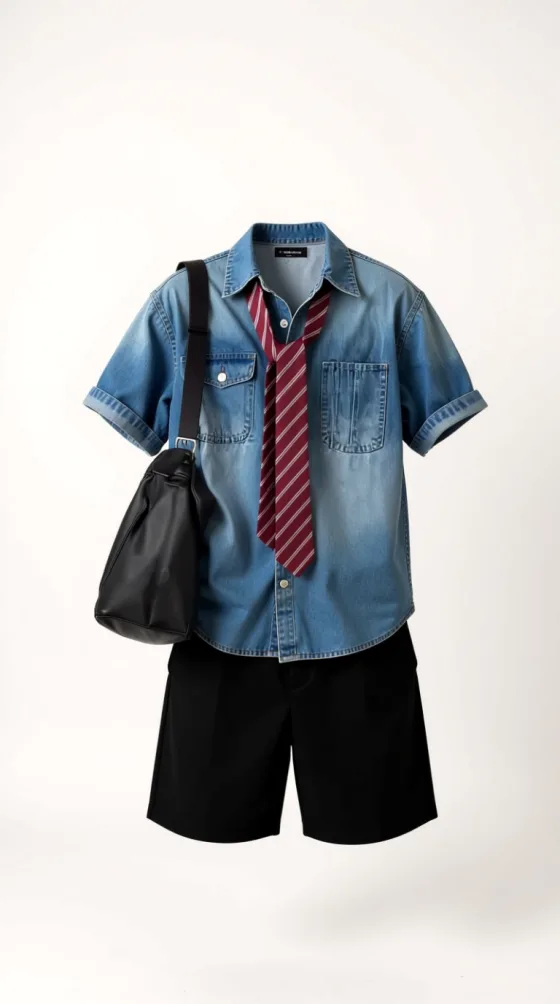
Preview references
Visual outfit references for Yinote's planned experience. Launch selection and availability may change as the product develops.
010203Why Yinote
The landing page explains the direction. The planned experience will keep camera, outfit selection, and preview in one place.
The planned product starts from a live view instead of asking visitors to build an account on this marketing site.
Explore visual garment references while the launch wardrobe is still being prepared.
Every primary action shows the same Coming soon message without sending visitors to an unavailable service.
FAQ
Straight answers about what this page does and what Yinote plans to release.
Yinote is an upcoming AI virtual try-on experience designed to help people explore how clothing styles may look in a live camera view.
No. yinote.app is a presentation-only preview. The try-on experience is not publicly available yet; select any Coming soon button to see the current launch status.
When available, the planned experience will let you open the camera, choose a garment, and apply that look to a live preview.
The looks on this page are visual references for the planned experience, not a currently available catalog. The launch selection may change.
Yinote is being designed around a live camera preview. Actual startup and rendering times will depend on connection, device, and processing conditions.
Yinote is a visual style preview. It does not guarantee garment measurements, physical fit, fabric drape, or exact color reproduction.
In development
The interactive try-on experience is not publicly available yet. We're preparing it for release.